8 November 2026 · 5 min read
The Over the Shoulder Shot and When It Works
A shoulder in the foreground can connect two people, but it can also hide the scene. Learn how to choose the angle, keep eyelines clear, and cut to a clean single.
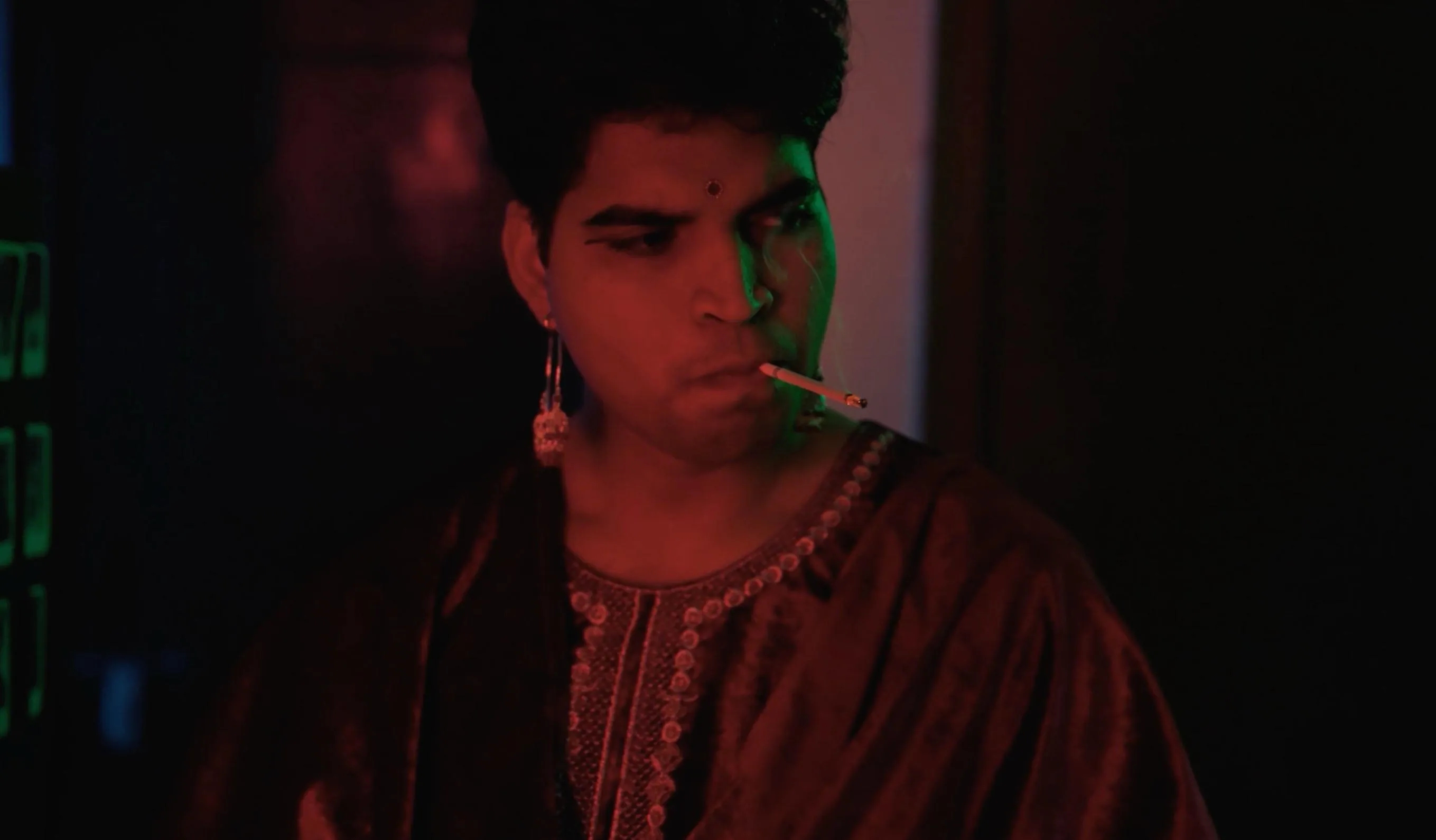
A shoulder enters the edge of the picture. Beyond it, someone listens. You can see both people, but one face carries the moment.
That's an over the shoulder shot. It looks past one person towards another. The foreground may show a shoulder, part of a head, or both.
The frame connects the people without giving them equal space. That can make a conversation feel close, tense, or crowded. The effect depends on how you use it.
Start with the relationship
Before choosing the lens, decide whose experience matters. Are we listening with the person in front? Or watching someone hold back an answer?
A shoulder can remind us that the listener is still there. It can also make the speaker feel watched or trapped.
But the foreground has to earn its space. If it hides the important gesture, move it. If it adds nothing, try a clean single instead.
Our note on dialogue rhythm explains why the reaction may matter more than the spoken line.
A clean single gives the face more independence
A clean single shows one person without the other person's shoulder. That small change can feel quite different.
The viewer has more direct access to the face. The person may seem alone, even if someone is standing nearby.
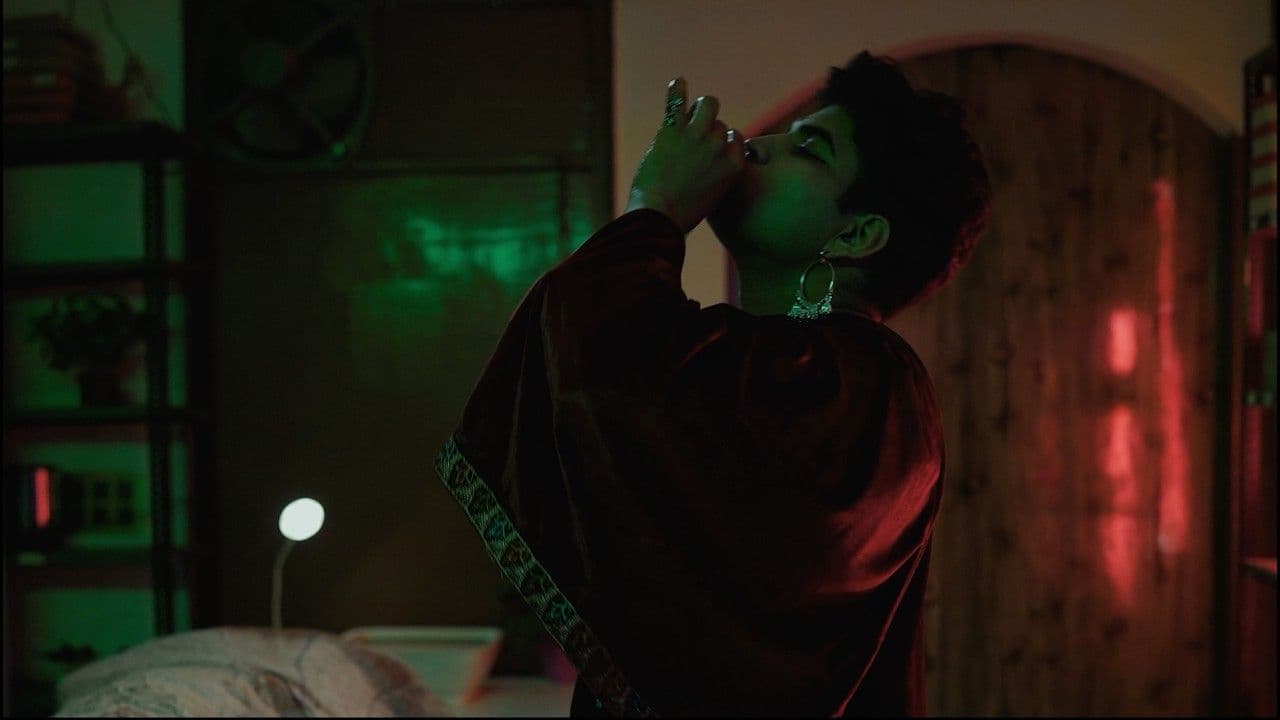
Look at the still from The Unknowing below. It is a clean close shot, not an over the shoulder example.
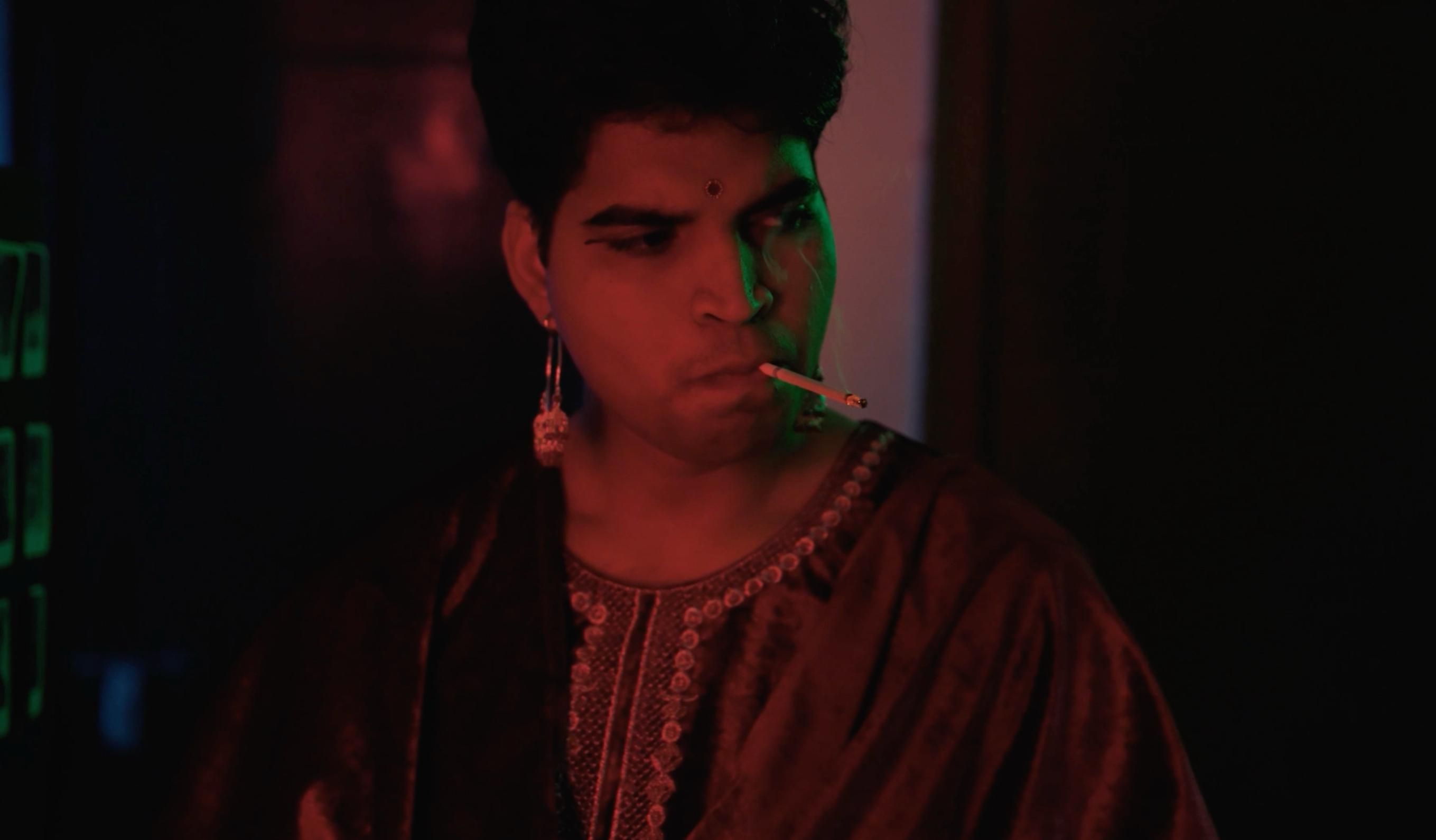
Now imagine a large shoulder covering one side. The scene might feel more connected, but the face would have less room.
You don't need to choose one approach for the whole film. Moving from shared space into a clean single can mark a change in the conversation.
Keep the eyelines believable
The actor should look towards a believable place beside the camera. Put the other performer there whenever possible, so that the exchange stays alive.
Check the camera height as well. A large height difference can make one person appear to look above the other.
Mark positions after rehearsal, not before the actors find the scene. Then keep those positions consistent enough for the angles to cut together.
If someone changes where they sit or stand, check again. A few centimetres can change the foreground shape or hide an eye.
Use the line of action as a map
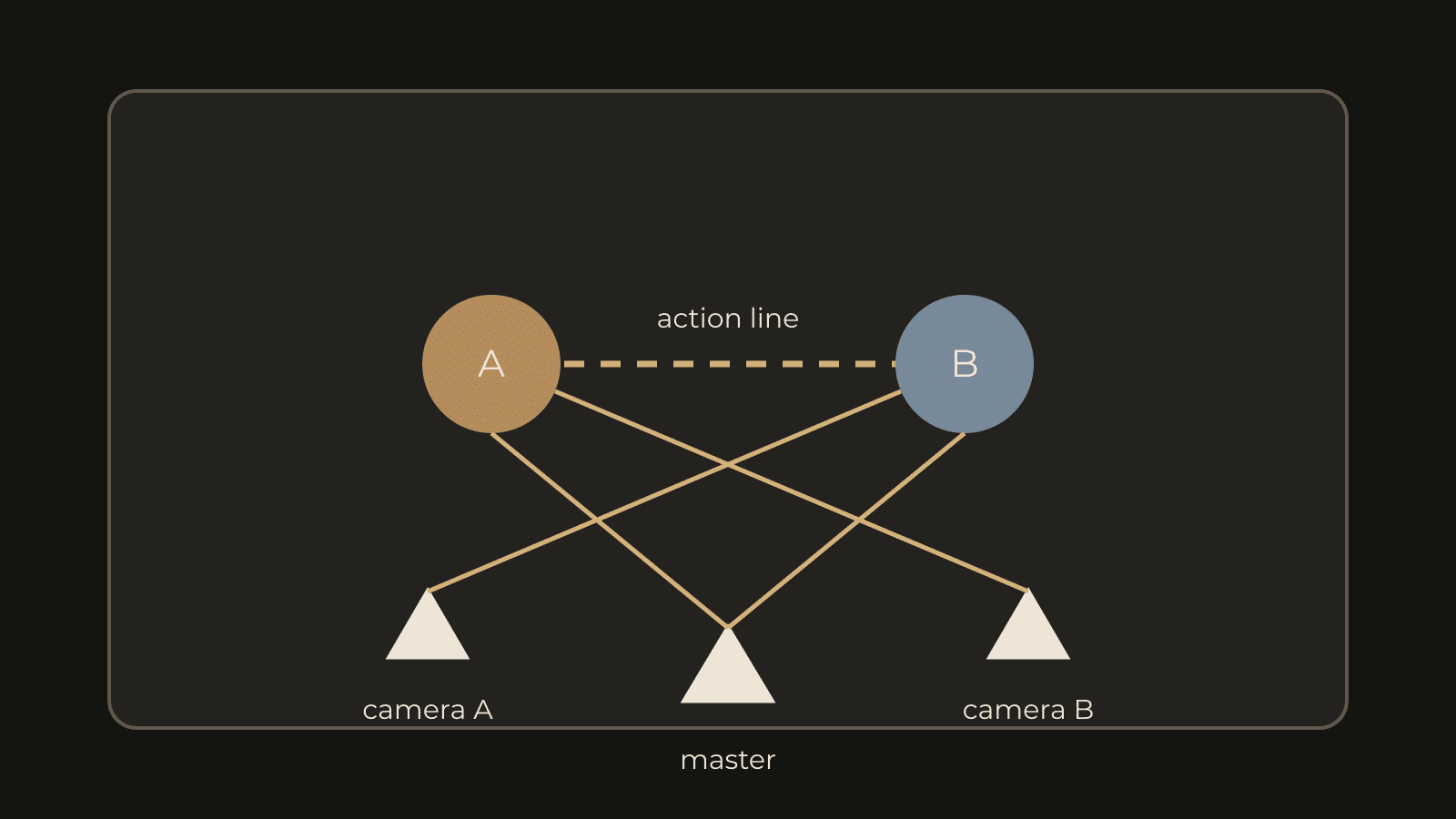
Imagine a line joining the two people. Keep the camera positions on one side of that line for ordinary matching coverage.
That usually keeps one person looking screen left and the other screen right. The viewer can understand their relationship without rebuilding the room after each cut.
You can cross the line deliberately. A visible camera move or a clear neutral angle can help the audience follow.
But crossing it by accident can make both people seem to face the same way. Draw a simple overhead sketch before shooting if you're unsure.
Choose how much shoulder belongs in the frame
A narrow shoulder can act as a quiet connection. A large one can feel like pressure. Neither size is always right.
Watch the gap between the foreground and the speaking face. If their outlines touch, the image may feel awkward or hard to read.
Keep the foreground from cutting across the mouth or eyes. Also check jewellery, hair, and clothing that may catch light and steal attention.
If the foreground person leans forward, the frame can change suddenly. Rehearse the full action, then leave enough room for it.
Lens choice affects how you work
A longer lens often puts the camera farther away for the same framing. A wider lens lets you work closer, but changes the foreground relationship.
The camera's position determines perspective. The lens then helps decide how much of that perspective fits in the picture.
Don't choose a focal length only because someone calls it cinematic. Choose a position that feels right, then find the framing you need.
Our guide to lenses, distance, and mood goes further into that choice.
Record a useful performance through the whole scene
Keep recording through the other person's lines. A quiet glance, a breath, or a delayed answer may become the best edit.
If you stop after every sentence, those reactions disappear. The editor is left with speech, but little listening.
Record room tone and clean dialogue too. A beautiful foreground shape won't help if the microphone catches clothing or the words become unclear.
When this angle fails
- The foreground blocks a key action.
- The shoulder changes size between every take.
- The actor looks towards the wrong height.
- The frame implies closeness when the scene needs distance.
- The reverse angle no longer matches the room.
Sometimes a shared wide shot solves all of these. Sometimes a clean single is stronger. Try both before repeating a setup that isn't helping.
For a small room, read our guide to blocking with limited space. Moving the performers can help more than squeezing the camera into a corner.
Try one conversation three ways
Film a short exchange as a shared frame, two shoulder angles, and two clean singles. Keep the words and action the same.
Then cut three versions. Notice when you feel connected to both people, and when one person starts feeling alone.
Choose the version that tells the scene most clearly. Keep the shoulder only when its presence changes something useful.