18 November 2026 · 5 min read
What Does MOS Mean on a Call Sheet
MOS tells the crew that a shot does not need synchronised production sound. Learn what to record anyway, how to label it clearly, and what must be built later.
You read MOS beside a shot and wonder whether the microphone stays packed. The useful answer depends on the sound the finished scene needs.
In film work, MOS means the shot is being made without synchronised production sound. It may have no recorded sound, or only a reference recording.
The finished film can still have plenty of sound. Music, ambience, effects, and recorded dialogue may all be added later.
What the note tells the crew
MOS is a production instruction. It tells the crew not to expect a usable matching dialogue recording from that take.
It doesn't mean the scene is silent in the finished film. It also doesn't mean that every sound task can wait.
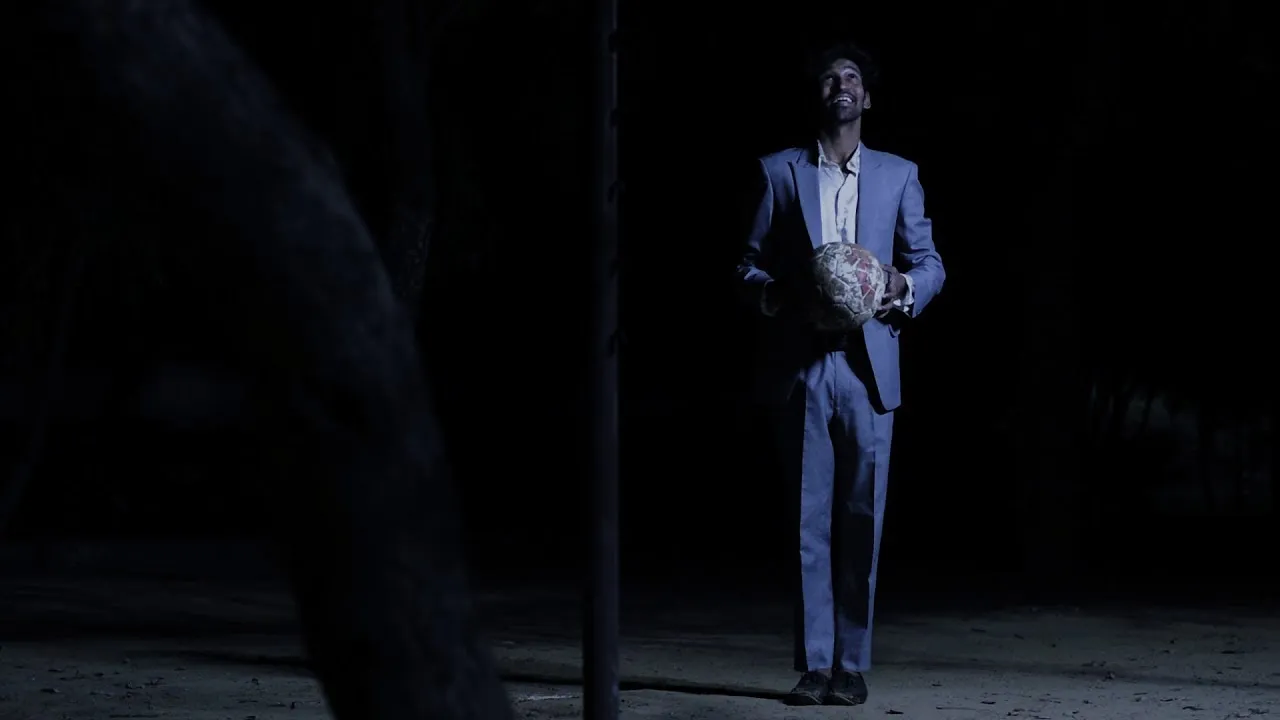
A close view of someone tying a shoe might be MOS. A distant figure walking through a landscape might be another example.
But if you need the exact words and performance, discuss that first. Rebuilding speech later takes much more work than adding a footstep.
Don't let the origin story distract you
You may hear several explanations for the letters. The story involving a German accented phrase is often repeated.
The origin is disputed, so treat those stories cautiously. The useful meaning on a working shoot is the absence of required sync sound.
If a crew uses a different local shorthand, confirm it before filming. A clear sentence in the sound notes can prevent a costly misunderstanding.
For broader terms, Kodak's motion picture glossary is a useful reference. Always make sure the people on your set share the same meaning.
Call sheet, shot list, and slate do different jobs
A call sheet organises the day's work. A shot list breaks the scene into planned views. A slate identifies a recorded take.
MOS may appear in more than one place, but the decision should stay consistent. Tell the sound team and the person keeping take notes.
If a planned MOS shot becomes a dialogue shot, stop and update everyone. Don't assume the microphone was running because it was nearby.
Good notes help the editor understand what exists, what is only reference, and what still needs to be made.
Keep reference sound when it helps
A camera microphone can capture timing or a rough sense of the room. That can help later, even if the recording isn't usable in the final mix.
Label it as reference so that nobody mistakes it for finished dialogue. Don't promise a clean result from a distant microphone.
If the camera sound might be useful for synchronising another recorder, check the plan with the sound team. A different workflow may need different notes.
Then listen to a test. A file that exists but contains clipped or missing sound isn't much help.
Record the room before leaving it
Even an MOS scene belongs somewhere. A room has a hum, an outdoor path has birds, and a station has distant movement.
Record a clean stretch of ambience with people quiet. Choose a safe moment and note where the recorder was placed.
If the room has a distinctive machine or door, record that separately too. You may not be able to return when editing begins.
Our guide to building a sound plan explains why those small recordings matter.
Plan effects around the action
Write a short list of the sounds the viewer expects. Footsteps, clothing, a cup, a chair, and a door may be enough.
Then decide which sounds carry story information. A key turning in a lock may matter more than every step across the room.
Foley recreates actions in sync with the picture. A separate sound effect can also support an event without copying every movement.
Record several versions with a little silence before and after. Those handles make trimming and mixing easier.
Dialogue replacement needs more preparation
ADR replaces or adds dialogue after filming. The actor performs the line again while matching the scene's timing and feeling.
If visible lips matter, synchronisation can be difficult. The actor has to match breaths, mouth shapes, pace, and performance.
A narration recorded away from camera has more freedom. But it still needs the right perspective and a quiet recording environment.
Don't choose MOS only because dialogue recording seems inconvenient. Compare the work required on set with the work you'll create later.
A small MOS checklist
- Confirm that the shot doesn't need usable production dialogue.
- Tell the crew and mark the take clearly.
- Keep reference sound if it will help.
- Record ambience and important location sounds separately.
- List missing effects and any planned dialogue replacement.
- Keep the notes with the footage.
If you're working alone, say the note into the camera before the take. Then copy it into your edit notes afterwards.
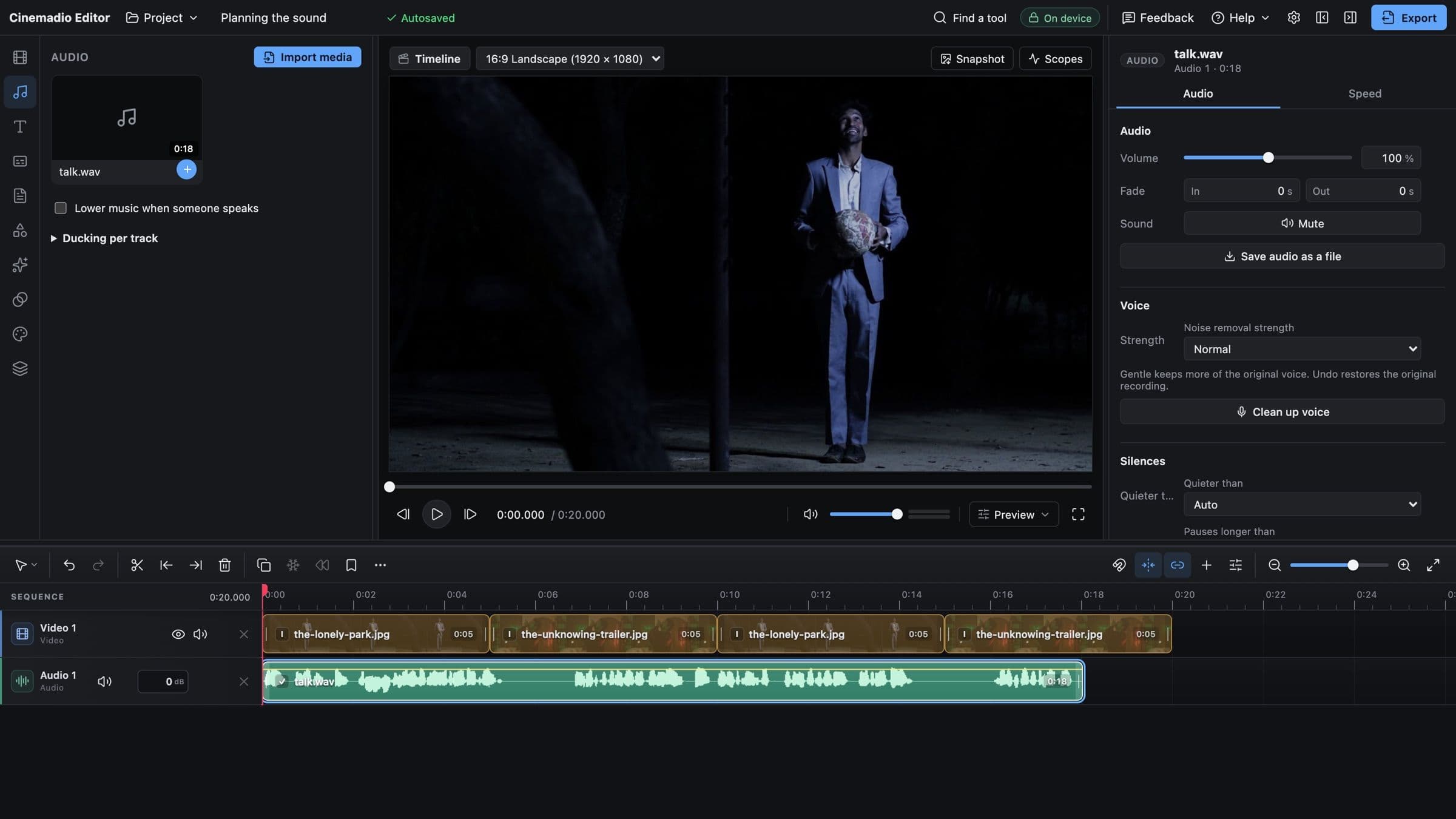
In the Cinemadio Editor, imported sound can sit on separate audio tracks. Place each effect against the action, then adjust its level.
Leave some quiet between the details. A believable scene doesn't need every movement to sound large.
Listen before adding music
Build a rough version using ambience and the important actions first. Then watch the scene with your eyes closed.
If the place disappears, the background may need work. If every prop shouts, lower the effects before adding anything else.
Music can support the scene, but it can also hide missing decisions. Give the basic sound world a chance to stand on its own.
Before marking the next shot MOS, write down how it will sound later. That one note makes the choice much more useful.