27 October 2026 · 5 min read
Aspect Ratios Explained and How to Add Black Bars
Learn what sixteen by nine, four by three, 2.39, and vertical video change in a frame, then choose a canvas and add black bars with a clear purpose.
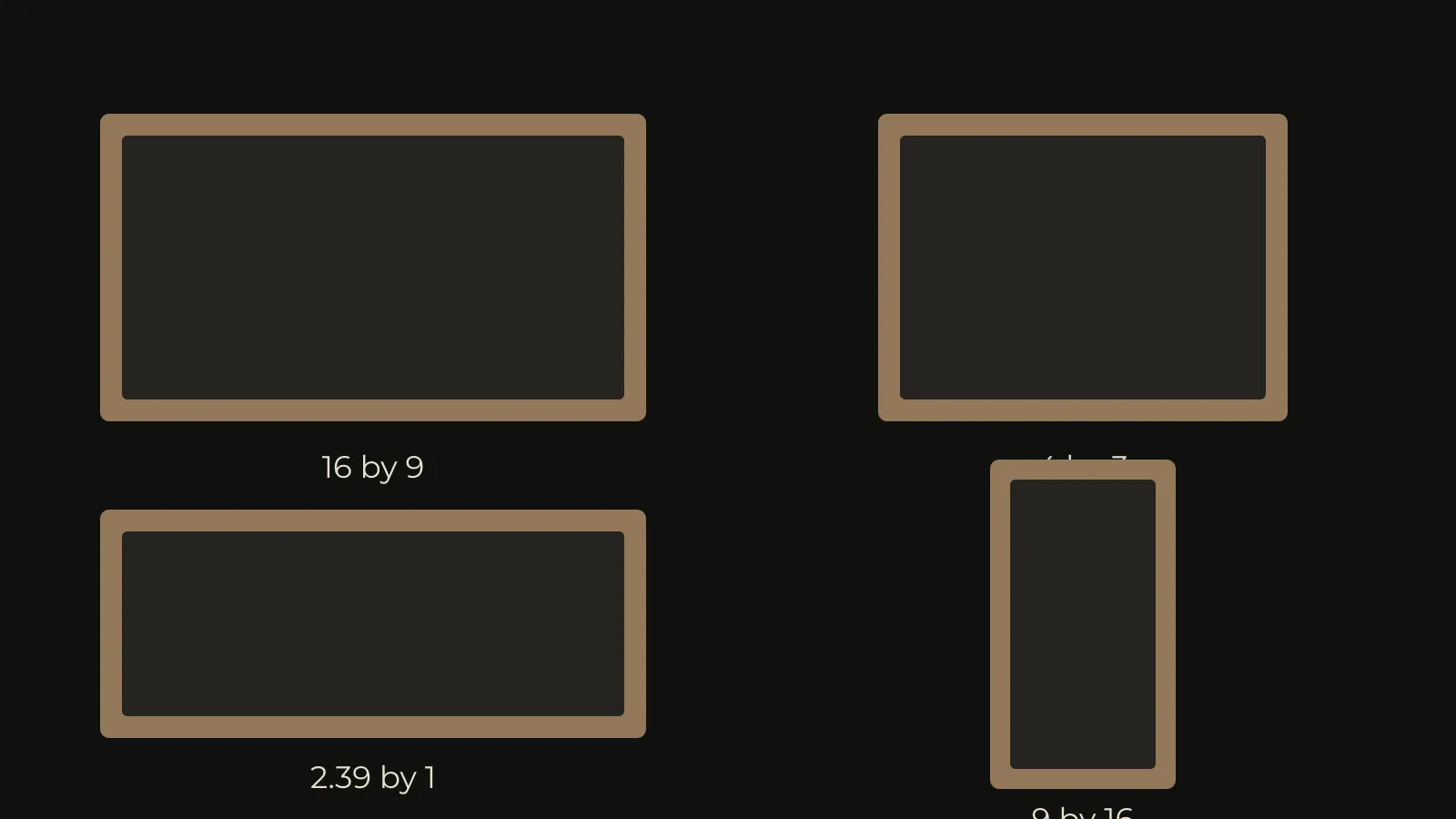
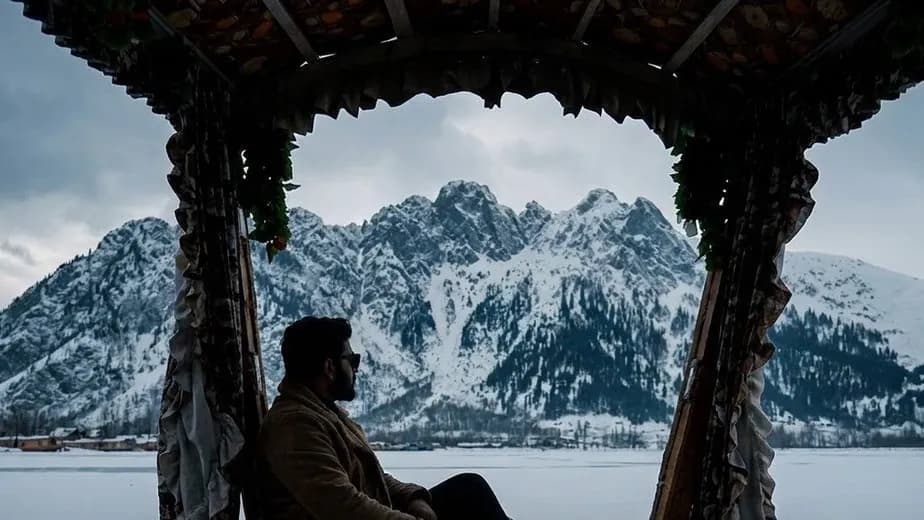
A wide frame gives people room to stand apart. A tall frame can bring you much closer to one face. The shape changes what a viewer notices, even before anything moves.
That shape is the aspect ratio. It describes the relationship between the width and the height. It doesn't tell you the image quality, the camera, or the story.
So choose the shape before you fill it. This guide explains four common choices, then shows what black bars actually do.
Read the numbers as a shape
Sixteen by nine means sixteen units wide and nine units high. Four by three means four wide and three high. The units could be pixels, centimetres, or marks on paper.
A 1920 by 1080 picture is sixteen by nine. A 3840 by 2160 picture has the same shape. The second contains more pixels, but its proportions haven't changed.
Resolution and aspect ratio answer different questions. One describes the amount of picture information. The other describes the shape of its container.
Sixteen by nine leaves room for everyday viewing
This is a common shape for televisions and online video. It gives a person space without making the surroundings disappear.
Use it when the relationship between someone and their location matters. A walking figure, a room, and a distant doorway can share the picture.
But don't fill that space because it's available. Look at the edges. A bright bag or an empty chair can compete with the person speaking.
If you expect several delivery formats, leave some room around important actions. Hands near the edges may disappear in a later vertical version.
Four by three can feel close and contained
The four by three aspect ratio is less wide. It can hold a face and some space above it. It can also suit older material made in that shape.
It doesn't automatically make an image nostalgic. The acting, light, texture, and sound still do most of that work.
Try it for a portrait or a scene built around height. Then check whether a second person still fits comfortably. A narrower shape can make shared action harder to cover.
A 2.39 frame makes width part of the story
People often call this a scope shape. Its width is about 2.39 times its height. Write the number down before choosing an export size.
At 1920 pixels wide, a height near 804 gives that shape. Exact delivery requirements may call for another size, so check them first.
A wide picture can make distance feel important. It can also make a small room feel stretched between two people.
But black bars alone won't create that effect. You still need a composition that uses the width. Cropping a badly framed shot just hides part of it.
Nine by sixteen changes your priorities
A vertical frame is taller than it is wide. It suits a person holding a phone upright, but it needs its own composition.
Two people at opposite ends of a wide frame may not survive. A hand gesture might vanish. Subtitles can land over a face.
Move the framing through the shot if the person moves. Then watch the entire result, so that nobody slips outside the picture.
Our guide to turning a wide video into a vertical one covers that process in more detail.
Black bars preserve a different shaped picture
Letterboxing puts space above and below a wider picture. Pillarboxing puts space beside a narrower one. In both cases, the unused canvas can be black.
There are two different decisions here. You can keep the entire source inside a differently shaped canvas. Or you can crop the source into a new shape.
Keeping everything protects the original composition, but leaves unused space. Cropping fills the canvas, but removes picture information.
Don't stretch the source to avoid either choice. A face should keep its real proportions.
Choose the canvas in Cinemadio Editor
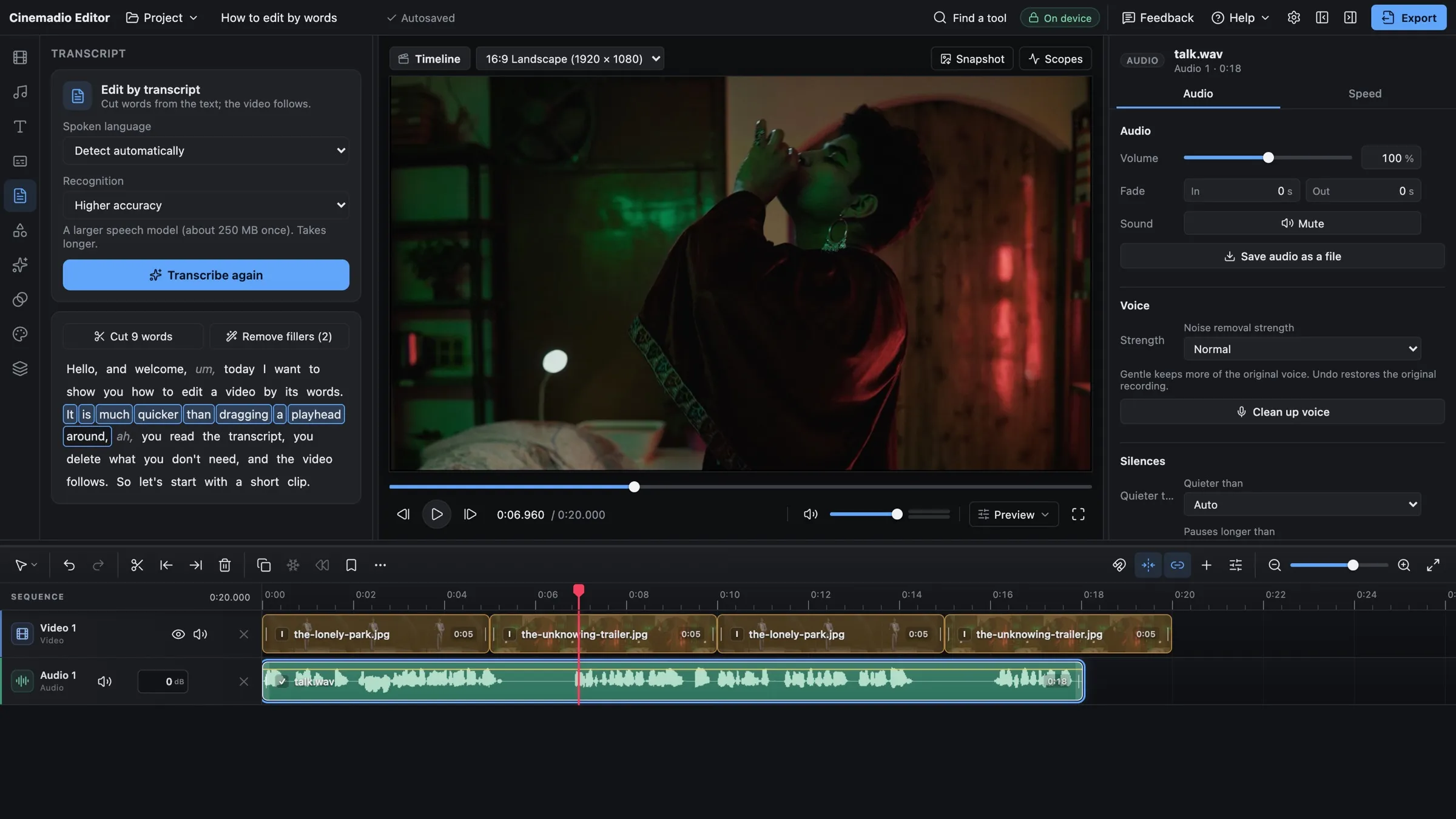
- Open the Cinemadio Editor and place your clip on the timeline.
- Choose the project canvas shape you want to deliver.
- Select the clip and check how it sits inside the canvas.
- Adjust its size and position without stretching it.
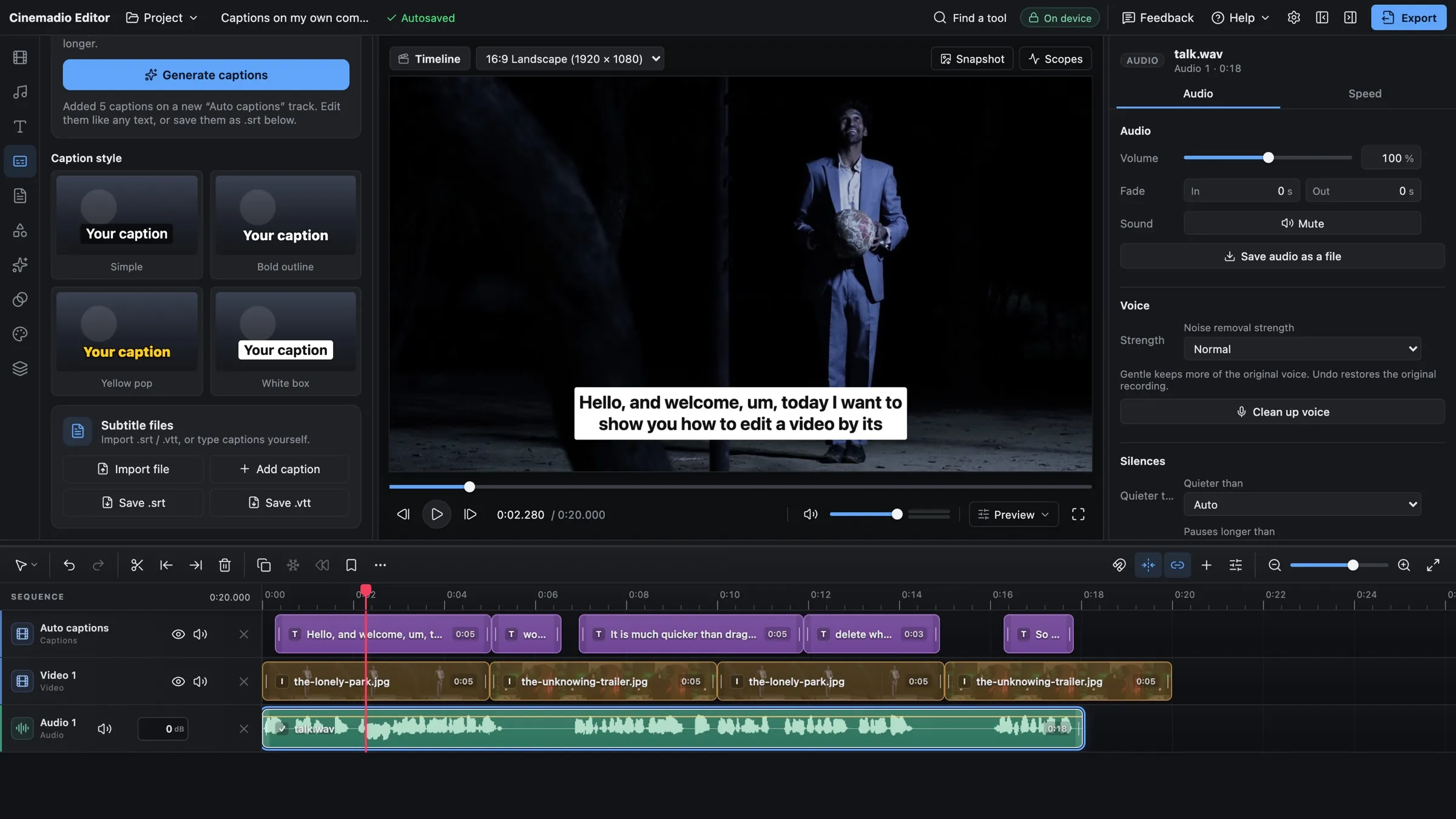
- Watch every important movement before exporting.
The first clip helps set the project size and frame rate. If a selected clip has a different shape, the preview may offer Match clip.
Match clip changes the canvas to suit that selected source. It changes the whole project, so check other shots afterwards.
If you want bars, keep a canvas that differs from the picture. Use a black background and scale the picture to fit inside it.
For a wider crop inside a standard canvas, use black shape layers. Place one across the top and one across the bottom. Keep their sizes equal.
Those shapes hide the picture underneath. They don't add detail or change the camera's recorded field of view.
Check the film before choosing a favourite ratio
Try the same still in several shapes. Compare the person's face, their hands, and the empty space. Ask which detail you lose first.
The still from The Lonely Park below gives you a useful starting point. The figure and surrounding darkness work together.
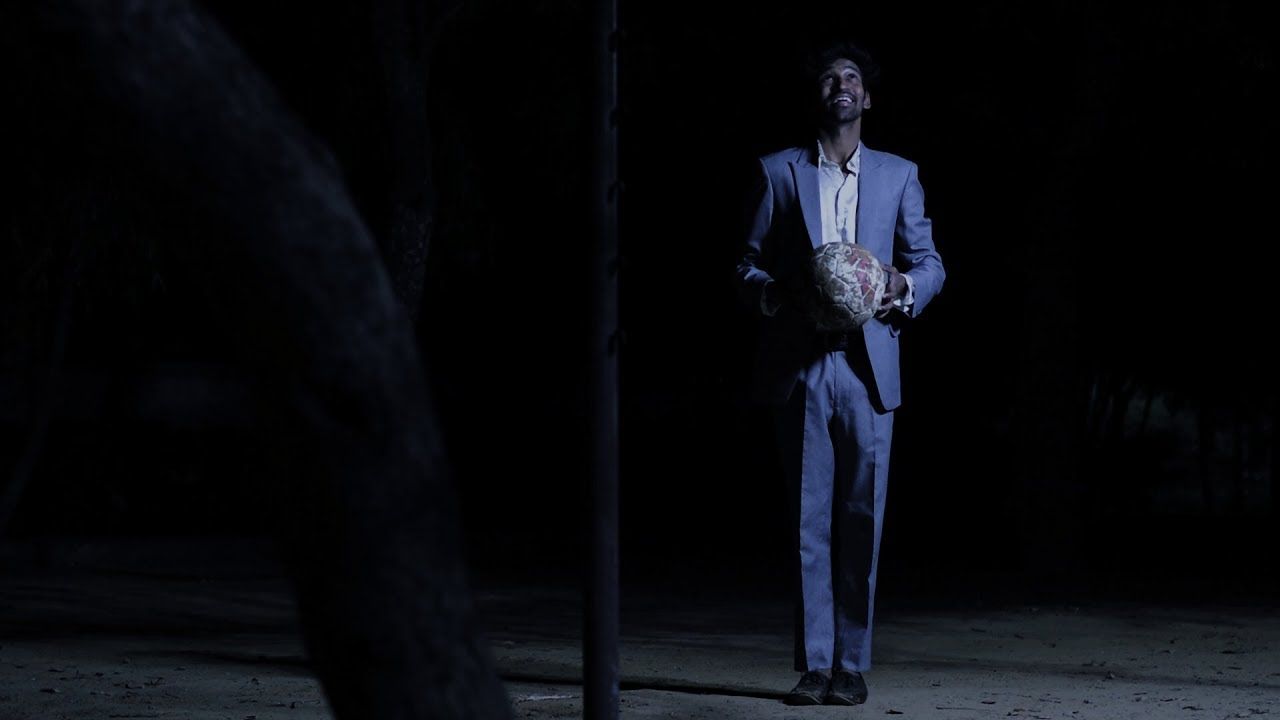
Check bars on a phone as well as a computer. A vertical video inside a wide file can become tiny when played upright.
Export a short sample, then watch it in the intended player. Check captions, edges, and any black space the player adds itself.
Start with the shape that serves the scene. Then make a separate version if another screen needs one.